
Your catalogue and your orders, in one place
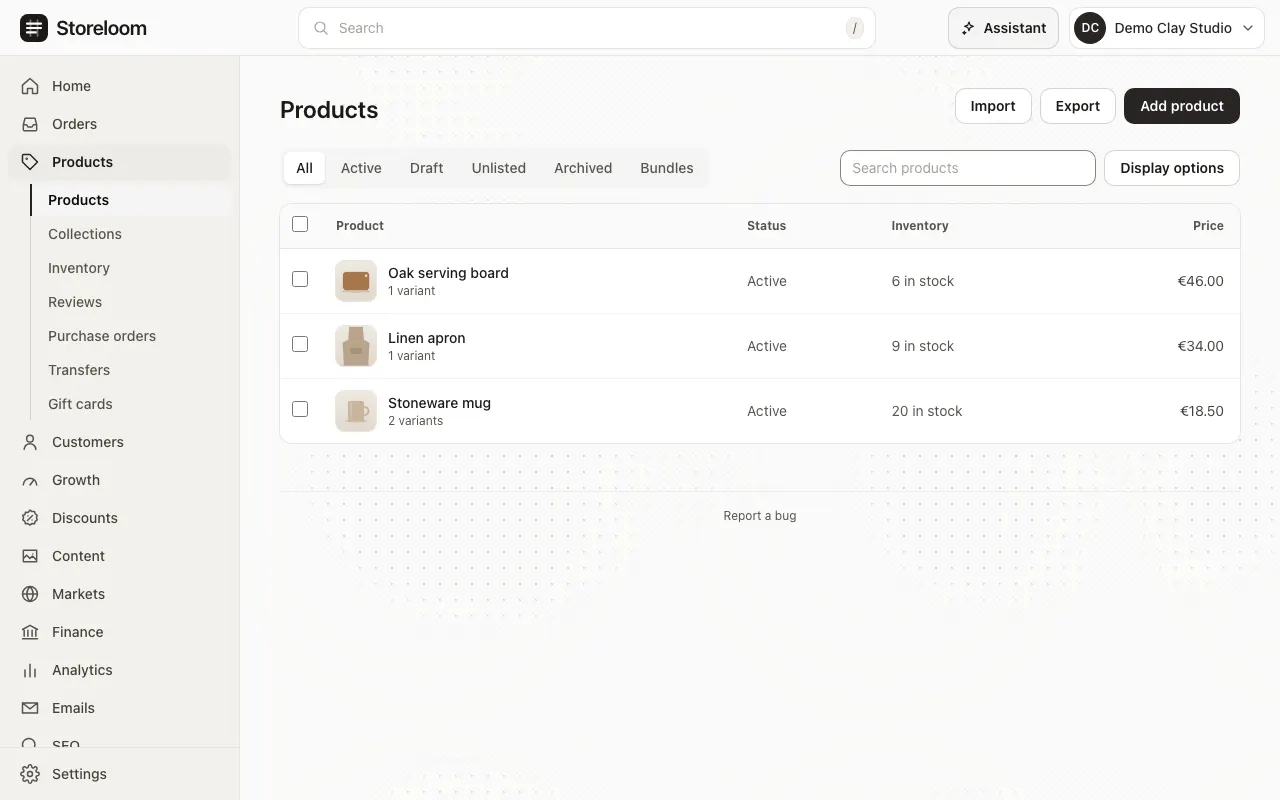
Add products with their variants, pictures and stock, change many at once, and take orders from your storefront or by hand. Ship them, refund them and keep your stock right.
- Available built and tested
- Beta built, with limits we name
- Coming soon not built yet
Products with what a shop needs
AvailableEach product has its variants in a short table, its pictures and videos in a gallery, and a status that decides whether shoppers see it. Duplicate a product to start the next one.
- Variants with their own price, stock and SKU
- Stock that stops selling at zero, keeps selling, or is not counted
- Unit prices, barcodes and the details search engines read
In the docs: Products, A product’s page, Inventory
Change many products at once
AvailableTick products in the list to archive, tag or delete them together, or open them side by side in Bulk edit and save every change in one step. One step in time travel undoes it.
- Views of the list you save and share
- Up to 100 products in one bulk edit
Collections that fill themselves
AvailableChoose a collection’s products by hand and drag them into order, or let conditions such as a tag or a price choose them, so new products join on their own.
In the docs: Collections
Orders from your storefront, or by hand
Beta: no card payments yetShoppers check out on your storefront, and you can create an order yourself for a phone or shop sale, or keep it as a draft until the customer is ready. Find orders by state or by search.
- Cash on delivery and bank transfer at checkout
- Card payments need a payment provider and are not available yet
In the docs: Orders, Create an order, Drafts, Payments
Ship, refund and change orders
AvailableShip with a carrier and a tracking number, or let a connected fulfillment center ship for you. Refund, lower a price or change an order, and the totals stay right.
- Tracking on every shipment
- Stock goes back when an unshipped order is cancelled
In the docs: Orders, Fulfillment services
Discounts, customers and subscriptions
AvailableDiscount codes, automatic discounts and quantity breaks; customers grouped into segments that stay up to date; and products customers subscribe to, delivered and charged on repeat.
In the docs: Discounts, Segments, Subscriptions